
Refari Job Boards on AI Website Builders
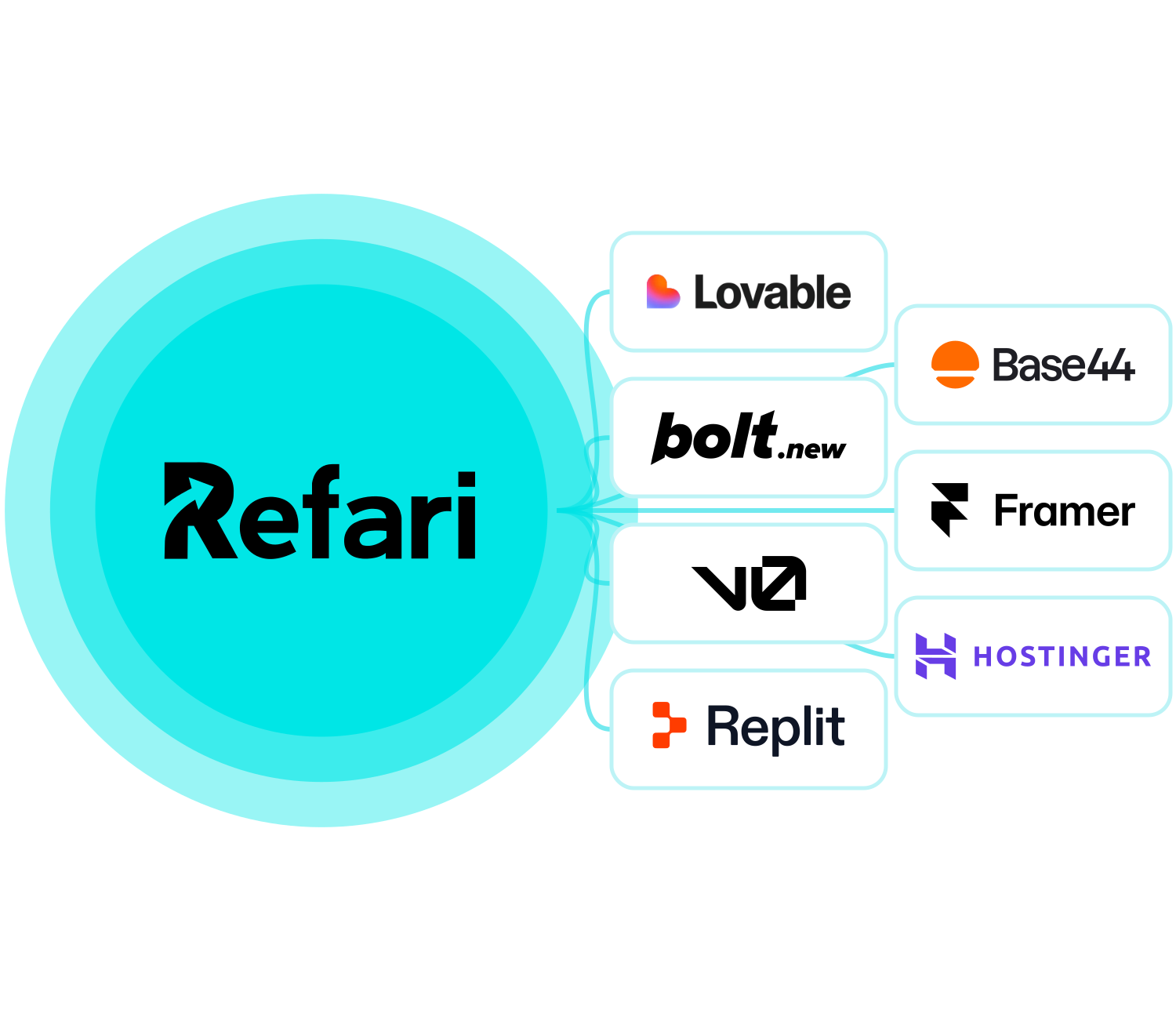
Made your careers site with an AI website builder? Refari widgets are plain JavaScript, so the site Lovable, Bolt, v0, Replit, Base44, Framer or Hostinger built for you can carry a live job board, job alerts and referrals, with every application going straight into your ATS.
Request A Demo


Trusted By
Join the Success: 400+ Companies Thriving with Refari!





























What AI Website Builders Are, and Why Refari Runs on Them
An AI website builder makes a site from a description you type. Lovable, Bolt, v0, Replit and Base44 write the code of a web app from a chat. Framer pairs a visual editor with AI that drafts pages, and Hostinger offers both: a drag and drop Manual mode and a chat-built Agentic mode. Either way, what gets published is an ordinary website that runs in the visitor’s browser.
A Refari widget is plain JavaScript that runs in the page it is placed in. It has no plugin to install and no tie to how the site was built, so once the code is in your careers page, your live jobs, job alerts, referral forms and registration forms work there as they do anywhere else.
The one rule: the code must run in the page itself, never inside an iframe.
What the Refari embed code holds
A Loader Script
One line that loads the Refari widget engine.
An Empty Container
Marks the spot on the page where the widget appears.
A Configuration Script
Says which widget to show, with your settings and API key.
Copy all three at once with COPY ALL under Widgets in your Refari dashboard.
Refari on Seven AI Website Builders
Where the Refari code goes on each builder, and the one control to avoid where a builder has one.
-

Lovable
Builds React web apps from a chat and publishes them on lovable.app or your own domain.
Paste the Refari code into the project chat and ask Lovable to put it on your careers page, or edit the page yourself in the Code tab on a paid plan.
Refari on Lovable -

Bolt
StackBlitz’s chat builder for JavaScript web apps, hosted on Bolt Cloud or Netlify.
Ask Bolt’s chat to add the code to your careers page, or add it yourself in Code view, which uses no tokens.
Refari on Bolt -

v0
Vercel’s AI agent that builds Next.js apps and publishes them to Vercel.
Ask v0 to add the code to your careers page with the Next.js Script component, or edit the page in the Code tab.
Refari on v0 -

Replit
A browser-based platform where Replit Agent writes, runs and hosts full-stack apps.
Paste the code into the Agent chat and ask it to add the board to the careers page itself.
Refari on Replit -

Base44
Builds React apps with a built-in database, sign-in and hosting from a chat.
Ask the AI chat to add the code to your careers page, or paste it into the page from the Code tab.
Refari on Base44 -

Framer
A visual website builder on a canvas, with AI that generates pages and code components.
Add the job board as a code component, not with the Embed element, which runs code in a frame.
Refari on Framer -

Hostinger
Sold with Hostinger’s hosting, in two modes: Manual, drag and drop with no AI chat, and Agentic, where a chat builds a React app. Continue in Agentic mode makes a separate Agentic copy of a Manual site.
In Agentic mode, ask its AI chat to add the Refari embed code to your careers page itself. Avoid Manual mode’s Embed code element, which runs code in a frame.
Refari on Hostinger
A Prompt That Works on Any AI Builder
AI builders do what they are told, and the widgets need only three things: the code in the page, the scripts allowed to run, and the page address left alone when a job opens. Say all three in the prompt, up front.
- Publish, then check the live careers page, not the editor preview
- Open a form: if reCAPTCHA loads without an error, the code is in the page
- Set your Base URL in Refari to the careers page, so job alert links land there
Add the Refari job board to our careers page using the embed code below.

[paste the COPY ALL code from Refari here]

- Place it in the page itself, never inside an iframe or an embed element that creates one.
- Make sure the script tags actually run: load the loader script once, and run the configuration script after the container is on the page.
- Give the container the full width of its section and no fixed height.
- Keep query strings such as ?job= in the page address.
Replace the line in square brackets with the code from COPY ALL, which already carries your API key.
Need Google for Jobs? Refari Websites 2.0 Has It Built In
An AI website builder and Refari widgets make a capable careers site that you build and run yourself. Google for Jobs needs one thing a widget cannot create: a page of its own for every job. Refari Websites 2.0 is the managed option, built and hosted by Refari, with every job on its own page and your ATS connected from day one. For the longer comparison, read The Recruitment Website Iceberg: AI Website vs Refari Website.
Refari Help Articles
Guides from the Refari Support Centre for installing widgets on any platform and for what your forms send to your ATS.
AI Website Builder FAQs
Answers to the questions recruitment teams ask before they add Refari to a site an AI website builder made.
What is an AI website builder?
A tool that builds a website or web app from a description you type into a chat. Lovable, Bolt, v0, Replit and Base44 write real code from the chat. Framer pairs a visual editor with AI that drafts pages, and Hostinger offers both: a drag and drop Manual mode and a chat-built Agentic mode.
Do Refari widgets work on sites made with AI website builders?
Yes. Refari widgets are plain JavaScript, so any site that lets the code run in the page itself can show them. That covers sites built with Lovable, Bolt, v0, Replit, Base44, Framer and Hostinger’s AI website builder.
How do I add a Refari job board to a site an AI builder made?
Copy the code from Widgets in your Refari dashboard with COPY ALL, give it to the builder’s AI chat and ask it to place the board on your careers page itself, not inside an iframe. Then publish and check the live page.
Why do my Refari forms say “Invalid domain”?
The code is running inside a frame. reCAPTCHA checks the address of the document it loads in, and a frame has none. Move the code into the page itself and the forms, job links and filters all work.
Why does the job board not show in the builder’s preview?
Builders show their preview inside their own editor, which often differs from the published site. Publish the page and check the board there before you change anything.
Do I need a paid plan on my AI website builder?
It depends on the builder. Some let you ask their chat to add code on a free plan, while editing code by hand or connecting your own domain needs a paid plan. Each builder’s page above says what applies.
Will my jobs appear in Google for Jobs from a site an AI builder made?
Not from a Refari widget. Google for Jobs needs a page for every job, and a job board widget shows your jobs inside one careers page. Google for Jobs comes with a website Refari builds, where each job has its own page.
Which ATS can I connect to my AI-built site?
JobAdder, Loxo, Atlas, Seven20 and RecruitWizard. Refari takes your jobs from the ATS, shows them on your site and sends applications back to it.
Built Your Site With AI? Let’s talk.
Book a demo to see the Refari job board on a site made with an AI website builder, connected to the ATS you already use.
Request A DemoVercel, the Vercel design, Next.js and related marks, designs and logos are trademarks or registered trademarks of Vercel, Inc. or its affiliates in the US and other countries.