

Introduction
In the recruitment world, data is currency. We are constantly walking a fine line between using insights effectively and giving away strategic advantage. One area that deserves serious attention is the practice of embedding LinkedIn’s tracking script or the LinkedIn Insight Tag on your website.
At first glance, it may feel like a smart move: more data, more targeting, more opportunity. But in practice it is often handing too much of your value to a platform that already has more than enough.
Here is why we advise recruitment agencies to avoid installing LinkedIn tracking codes unless there is a very clear reason to do so.
1. LinkedIn and Microsoft Already Hold the Data Advantage
LinkedIn, and Microsoft more broadly, already collect enormous amounts of behavioural, company and advertising performance data. Every click, view and engagement enriches their algorithms. By placing their tracking tag on your website, you provide them with even more signals which can be used to:
- Identify which companies are growing fast or receiving high traffic
- Adjust advertising pricing strategies based on perceived value
- Increase bid costs in competitive recruitment markets
In short, you are feeding their models with intelligence that can be used to charge you more for the same results. Do not volunteer information that you are not required to share.

2. Rising Costs for Job Slots and Advertising
Recruitment businesses are already feeling the pinch as LinkedIn job slots and advertising packages become more expensive each year. By installing their tracking code, you make it easier for LinkedIn to see how valuable your audience is and how reliant your business might be on their platform. That additional visibility only strengthens their ability to adjust pricing in ways that benefit them, not you.
The more LinkedIn knows about your traffic, engagement and dependence, the more leverage they hold, and the less control you have over what you ultimately pay. In a sector where margins are already pressured, this loss of control is not a risk to take lightly. Protecting your data is not only a technical safeguard but also a commercial necessity.
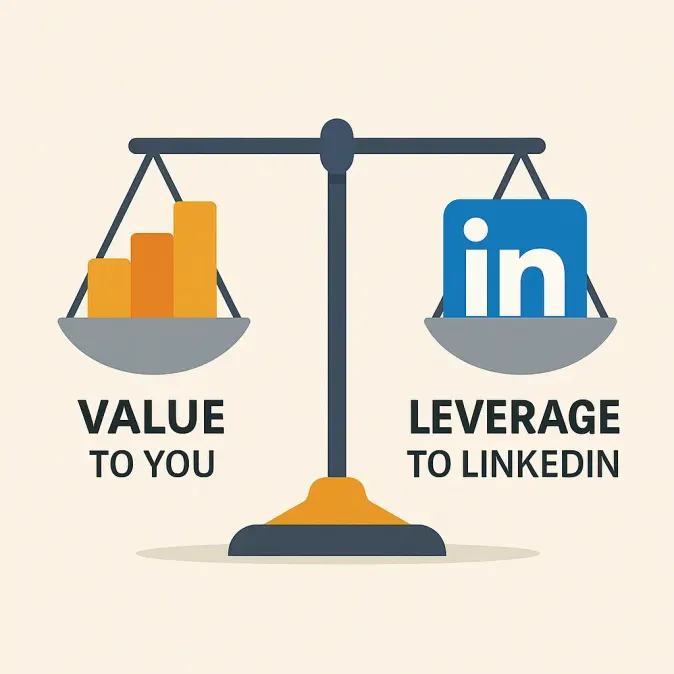
3. The Asymmetry of Value and Risk
Let us frame this in risk versus reward terms:
- Reward for you: better conversion tracking, retargeting opportunities, more data points
- Risk to you: higher advertising and job slot costs, strengthened LinkedIn pricing power, privacy scrutiny
When the upside is marginal and the downside includes giving a competitor leverage over your marketing spend, the trade-off rarely makes sense.
4. Privacy, Reputation and Stakeholder Sensitivity
Recruitment websites are not like general e-commerce sites. In e-commerce, customers expect a degree of tracking and targeted marketing, often in exchange for discounts or personalised offers. Recruitment, however, is built on a foundation of trust. Candidates expect discretion when they share their personal details and career ambitions, while clients expect you to uphold professionalism when representing their brand and their vacancies.
Adding unnecessary external scripts undermines that trust. Beyond the technical risks of slower site performance and potential data leakage, there is the reputational damage of being seen to share sensitive activity data with third parties such as LinkedIn or Microsoft. It is better to focus on transparency and trust, making it clear that your digital presence is designed to safeguard candidates and clients rather than exposing them to hidden data collection.

5. When It Does Make Sense (and How to Reduce the Risk)
There are a few situations where using the LinkedIn Insight Tag is valid:
- Running specific LinkedIn campaigns where conversion tracking is essential
- Building custom audiences or retargeting groups that cannot be tracked otherwise
If you choose to use it:
- Restrict its use — only place it on pages that matter for campaign tracking
- Control its exposure — manage it via a tag manager or server-side solution
- Measure carefully — stop using it when the campaign ends or ROI does not justify it
- Record the decision — make sure stakeholders understand the reasoning

6. How This Fits with Refari’s Approach
Our content always comes back to the same principle: long-term value, control and trust. Whether we are writing about email security, job alerts or brand reputation, the advice is consistent do not give away leverage unnecessarily.
Embedding LinkedIn tracking without clear justification is one of those shortcuts that costs you more in the long run.
As a rule of thumb: Do not add a tracking code simply because it is available. Add it only when you truly need it, and when the return clearly outweighs the risk of giving LinkedIn more data to increase your costs.


